One face, every city
Read up to eight saved locations on one live 24-hour clock. Tap a city to bring its time, date, UTC offset, solar state, sunrise, and sunset into focus.
WORLD TIME INSTRUMENT
Every city. One solar clock.
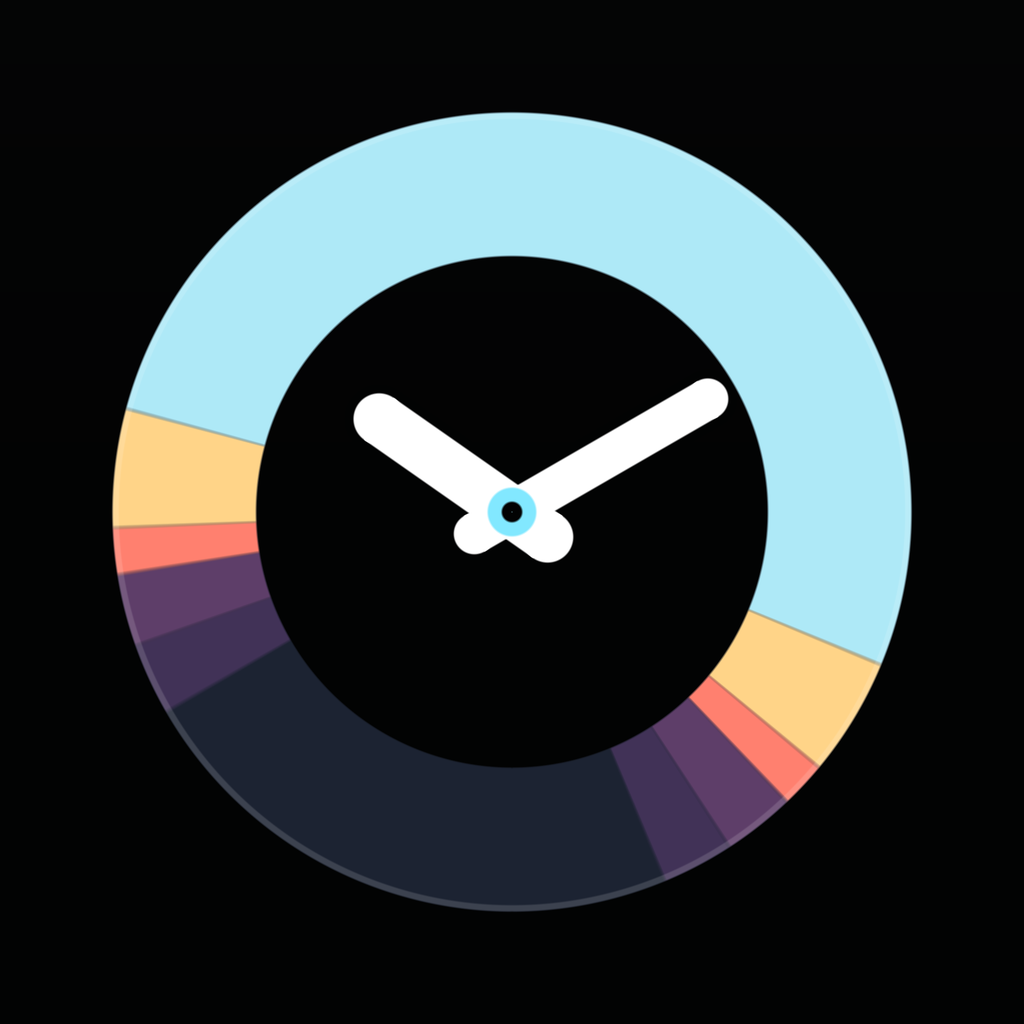
See your world at a glance. Meridian places every saved city around one automatically moving 24-hour face, with daylight, local dates, and relative offsets visible together.
THE INSTRUMENT
Read up to eight saved locations on one live 24-hour clock. Tap a city to bring its time, date, UTC offset, solar state, sunrise, and sunset into focus.
Choose a date and time to see the matching local time and day in every city. Meridian follows real time-zone and daylight-saving rules.
Use Meridian on iPhone, iPad, and Apple Watch, with Home Screen widgets, Lock Screen complications, StandBy, and private iCloud sync.
MERIDIAN PLUS
Free includes two clocks. Meridian Plus raises the limit to eight and unlocks Convert. Buy it once with your Apple Account. It never expires, and there are no recurring charges.
Everything else stays free, including small, medium, and large Home Screen widgets, Lock Screen widgets, Apple Watch and complications, StandBy, iPad, and iCloud sync.
PRIVATE BY DESIGN
Meridian has no account, advertising, analytics, or tracking. Manual city selection provides the complete core experience. When you choose Current Location, Apple map services resolve the place and time zone. Saved clock coordinates and preferences can sync through your private iCloud account. The developer cannot access that data.
Read the privacy policy